-
Manage Profile: Create a profile in
Settings to enable sharing features with friends and family.
Your profile can be seen only by those you share your lists
with and it is not public.
-
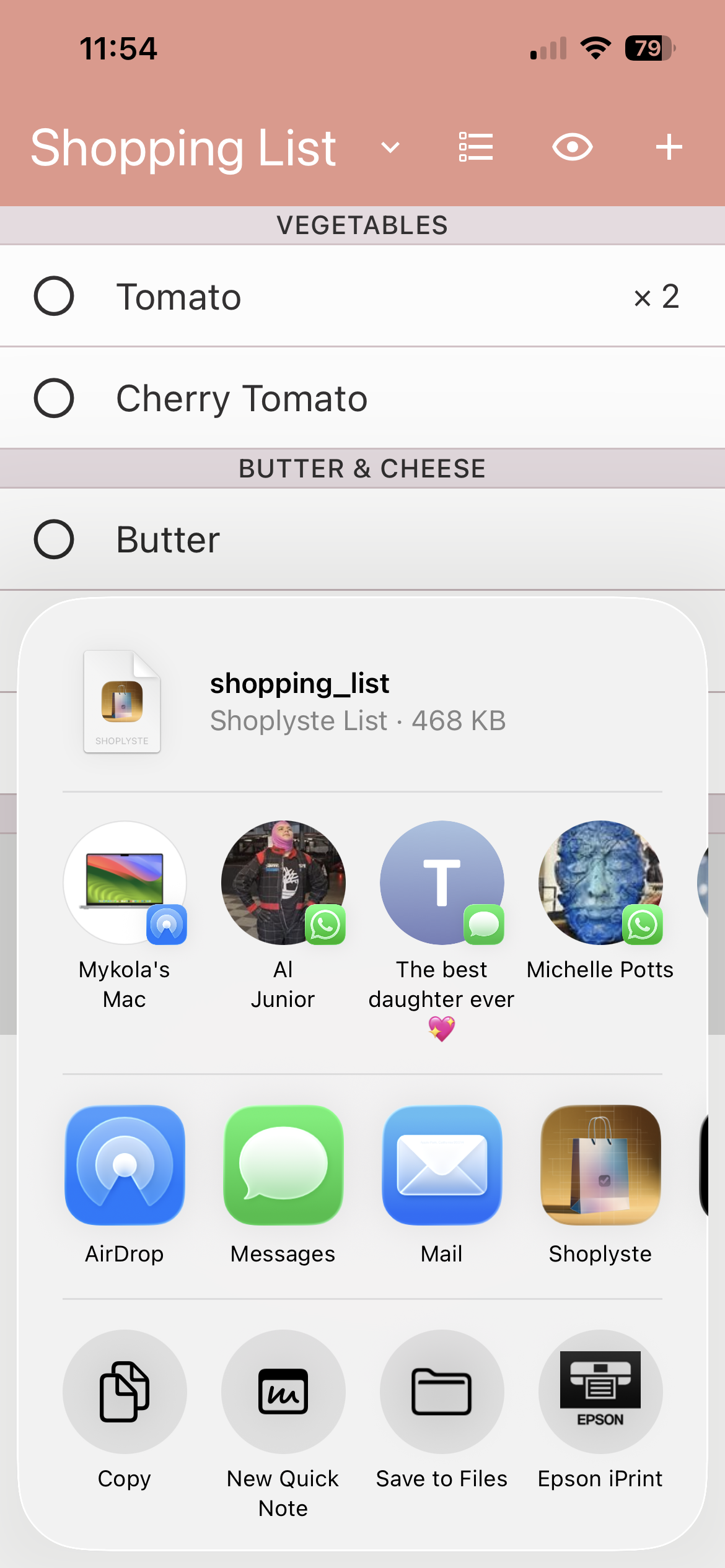
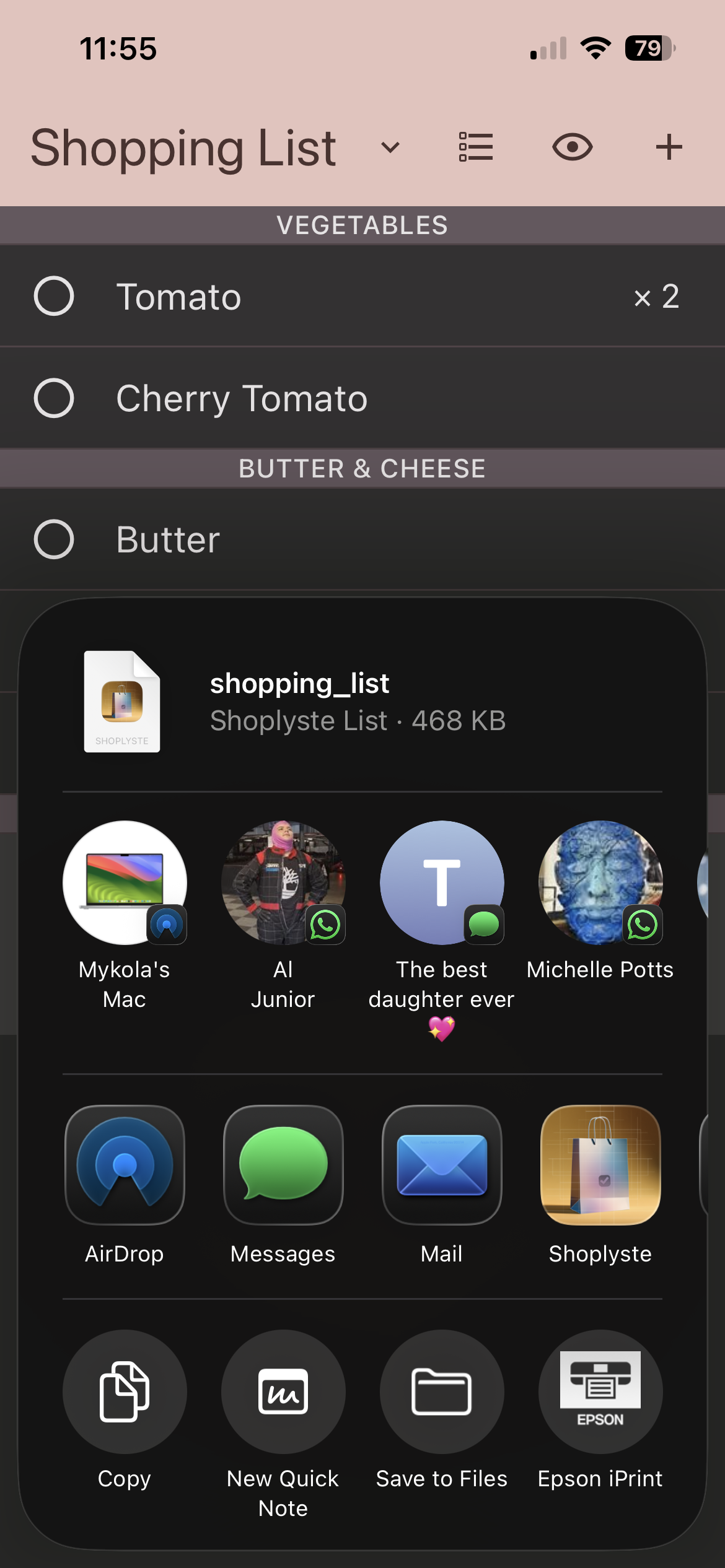
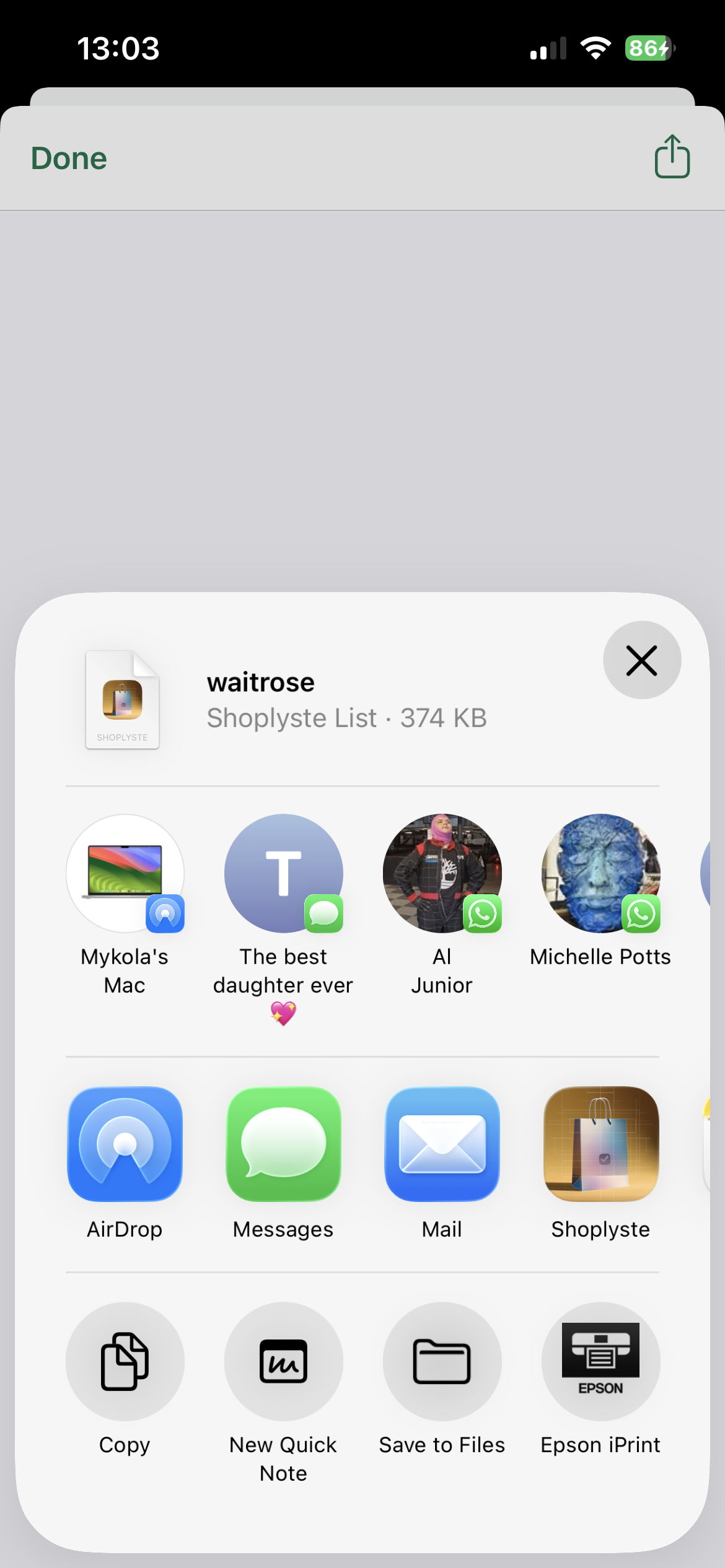
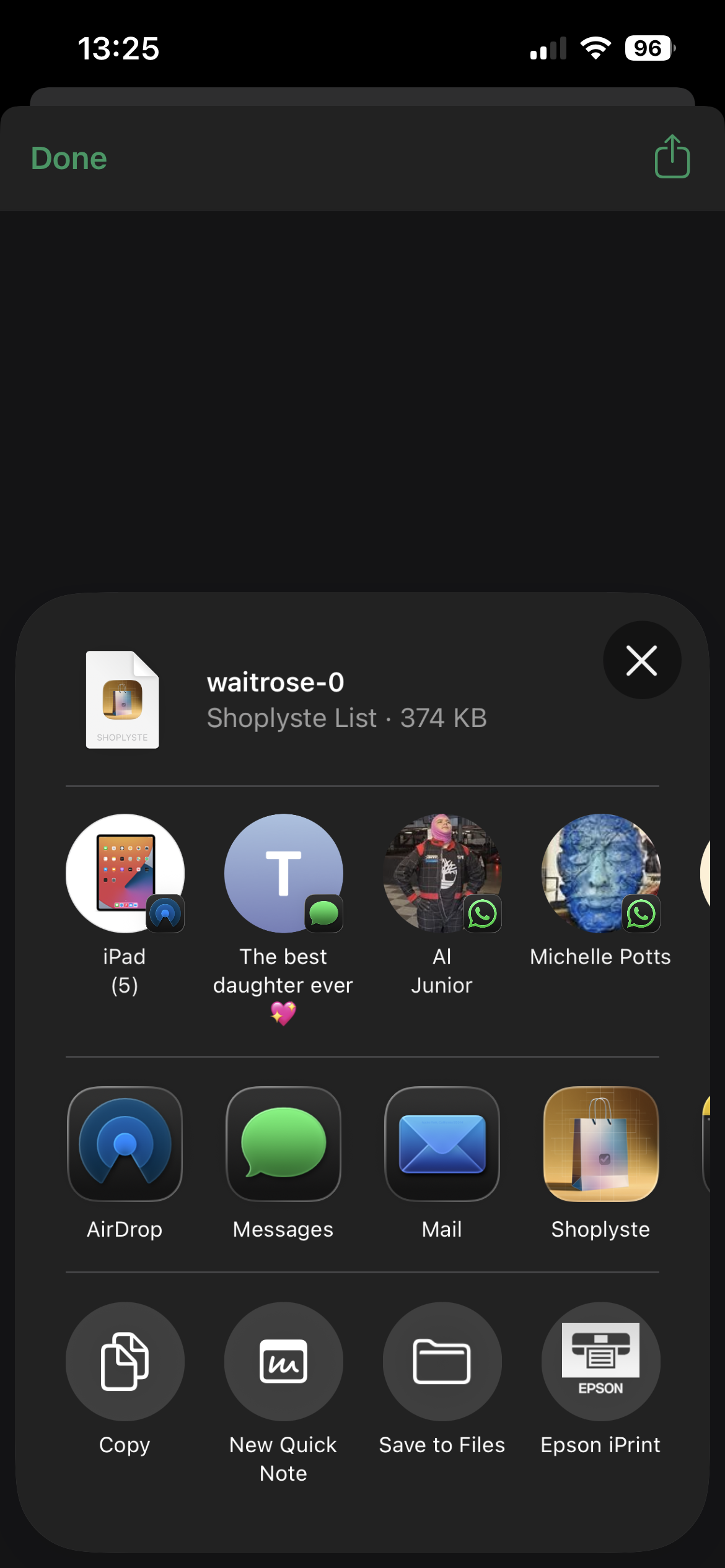
Send Your List to Your Peer: Tap "Share
List" Button () at the bottom left corner of the List Contents screen and
you can see a usual share pop-up screen.
-
Collaborate with others: Share your
shopping lists with family or friends for easy coordination.
Export your list and send it via your preferred
messenger.
-
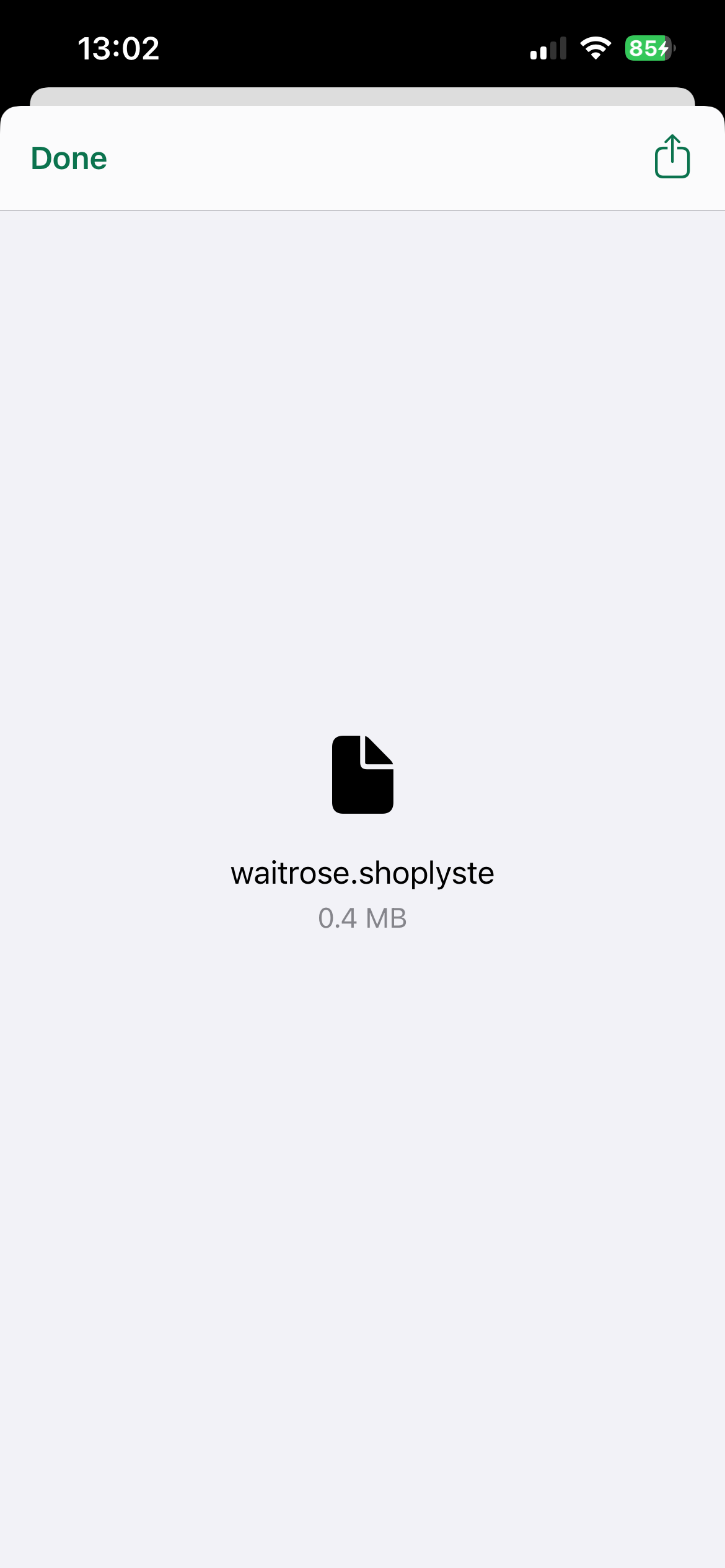
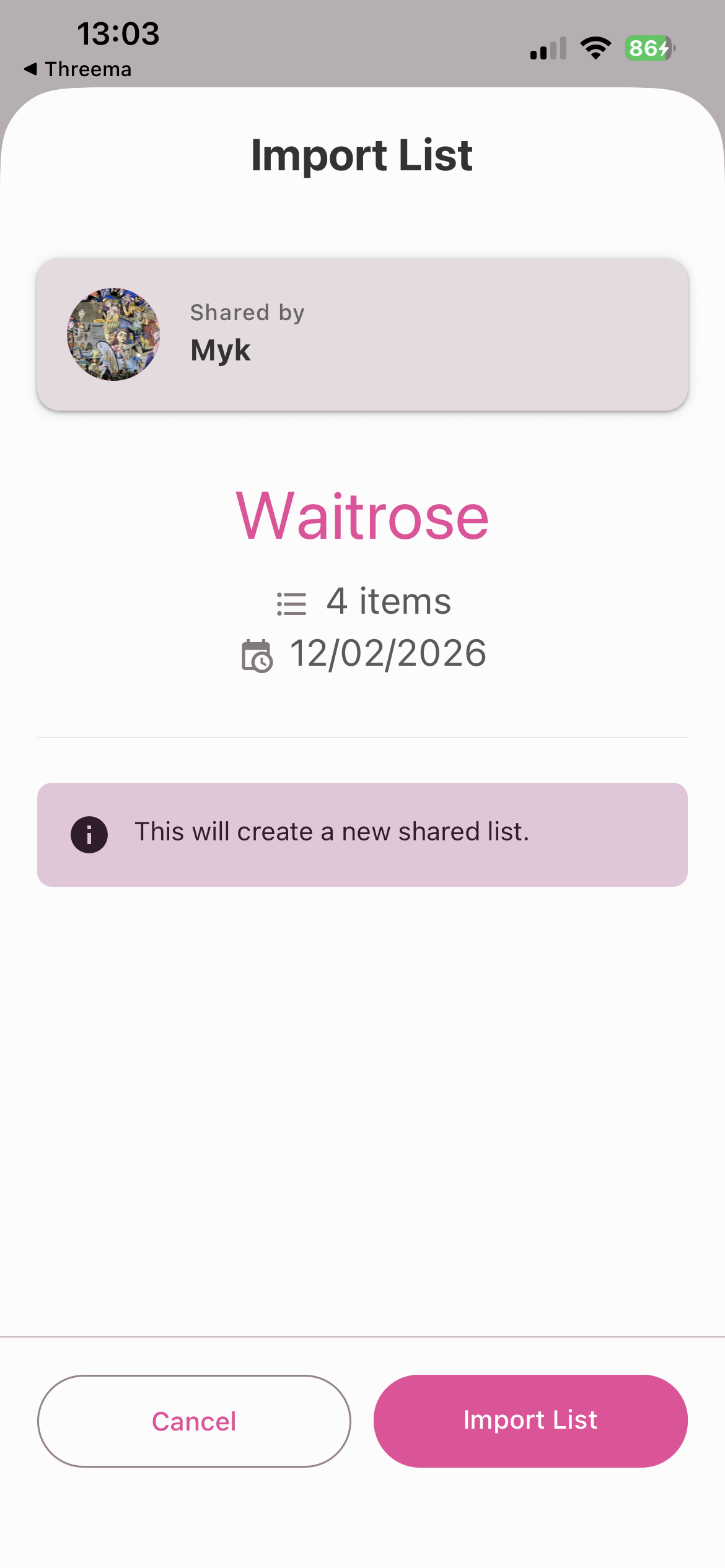
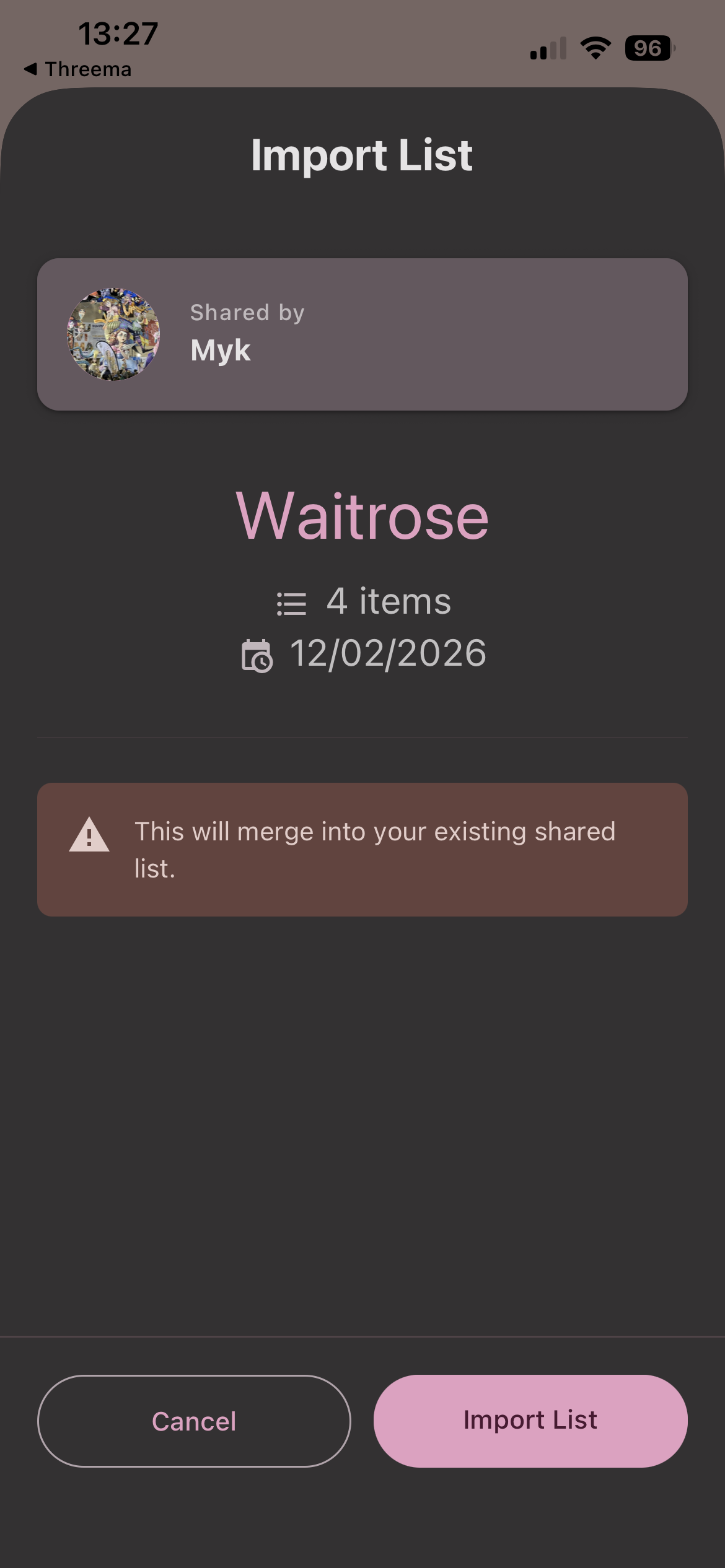
Import shared lists: Open a received
Shoplyste file to review and import the sender's list. The
app merges updates and preserves your own additions.
-
Smart merging: When importing, Shoplyste
combines changes from both sender and recipient, ensuring no
items are lost and checked-off entries are synced.
-
Offline editing: Both parties can edit
their lists independently between syncs, making
collaboration flexible and convenient.